












Single Fuel Card
for Different Filling
Station Chains
Use the Energy Pay service so drivers can pay for fuel directly
from a settlement account and you can keep track of expenses
Use the business card and service free of charge


Easily manage your limits
You set the limits yourself

A driver can buy fuel only
All expenses are visible in the Transaction History
No need to collect receipts from drivers

Easily manage your limits
- You set the limits yourself
Customize limits for each driver: filling station, fuel type,
number of liters, and maximum filling amount - A driver can buy fuel only
You can’t pay for personal purchases with a universal fuel card - All expenses are visible in the Transaction History
No need to collect receipts from drivers
How to start using
-
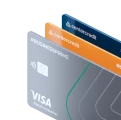
1Open a business account with Bank CenterCredit, the card will be automatically linked to the account
-
2Activate the service on the website of our partner SmartGas
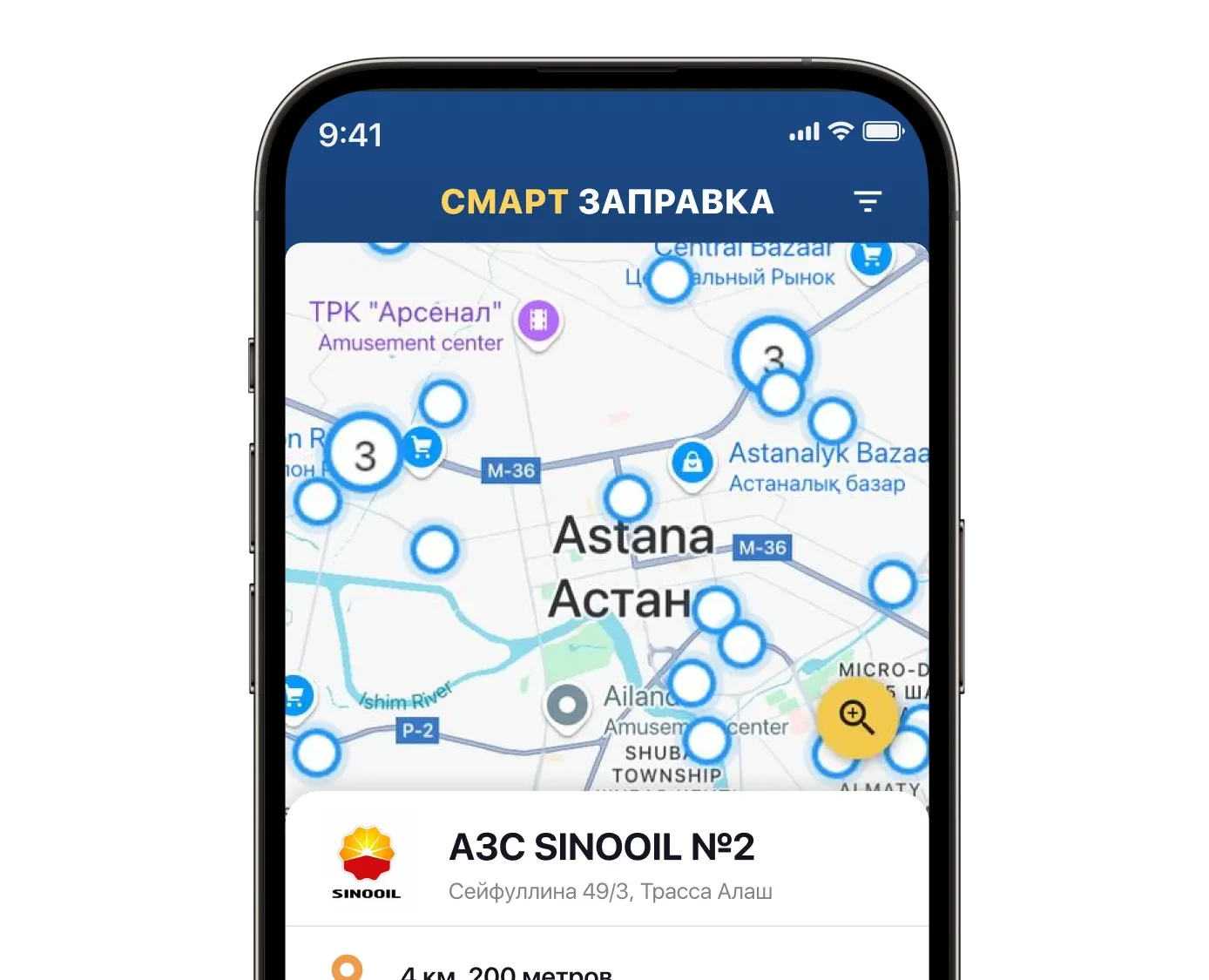
The map showing all filling stations is available in the app. You choose yourself which filling stations will be accessible
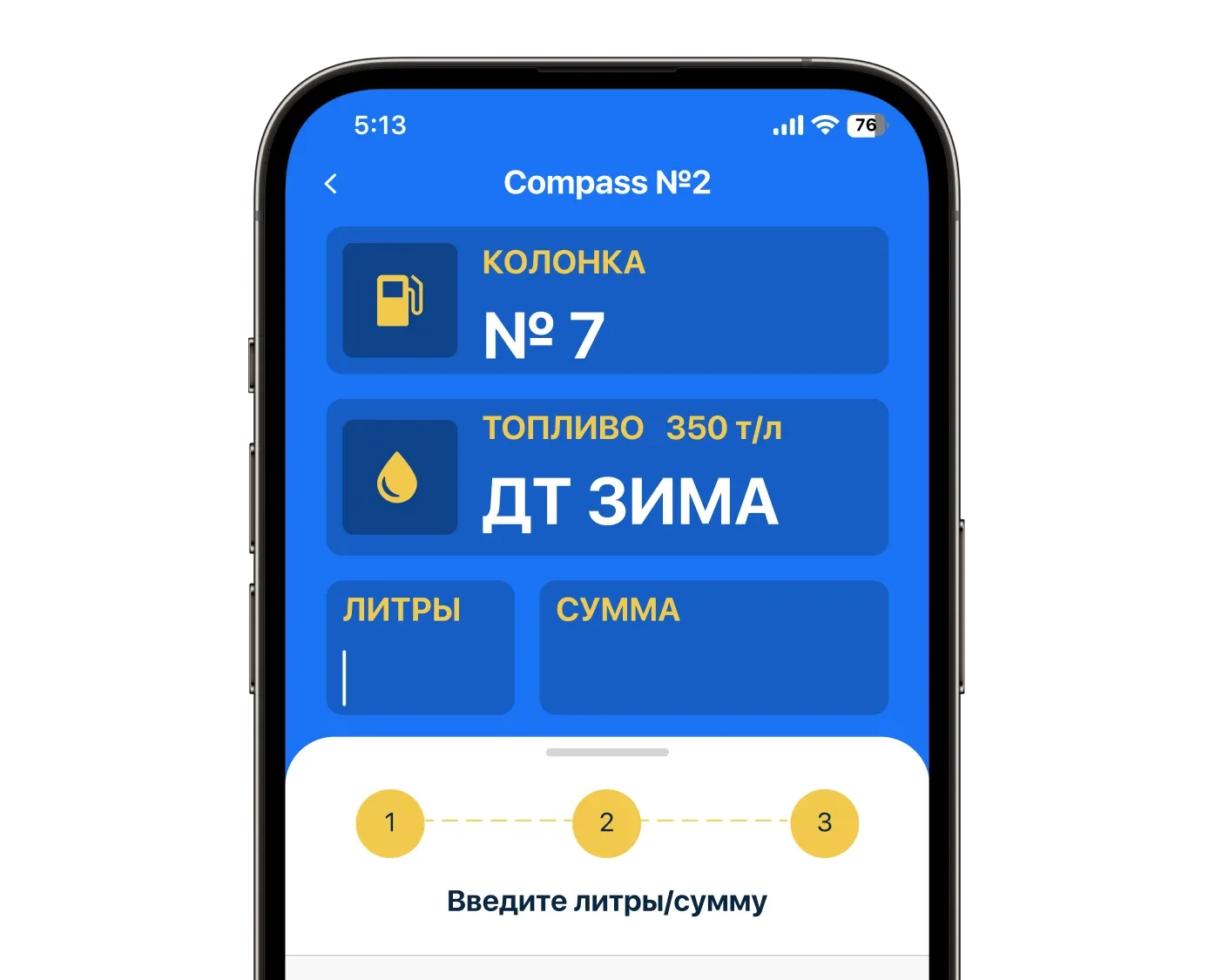
If you set restrictions, only a certain type of fuel will be available
Instructions are available in the mobile app
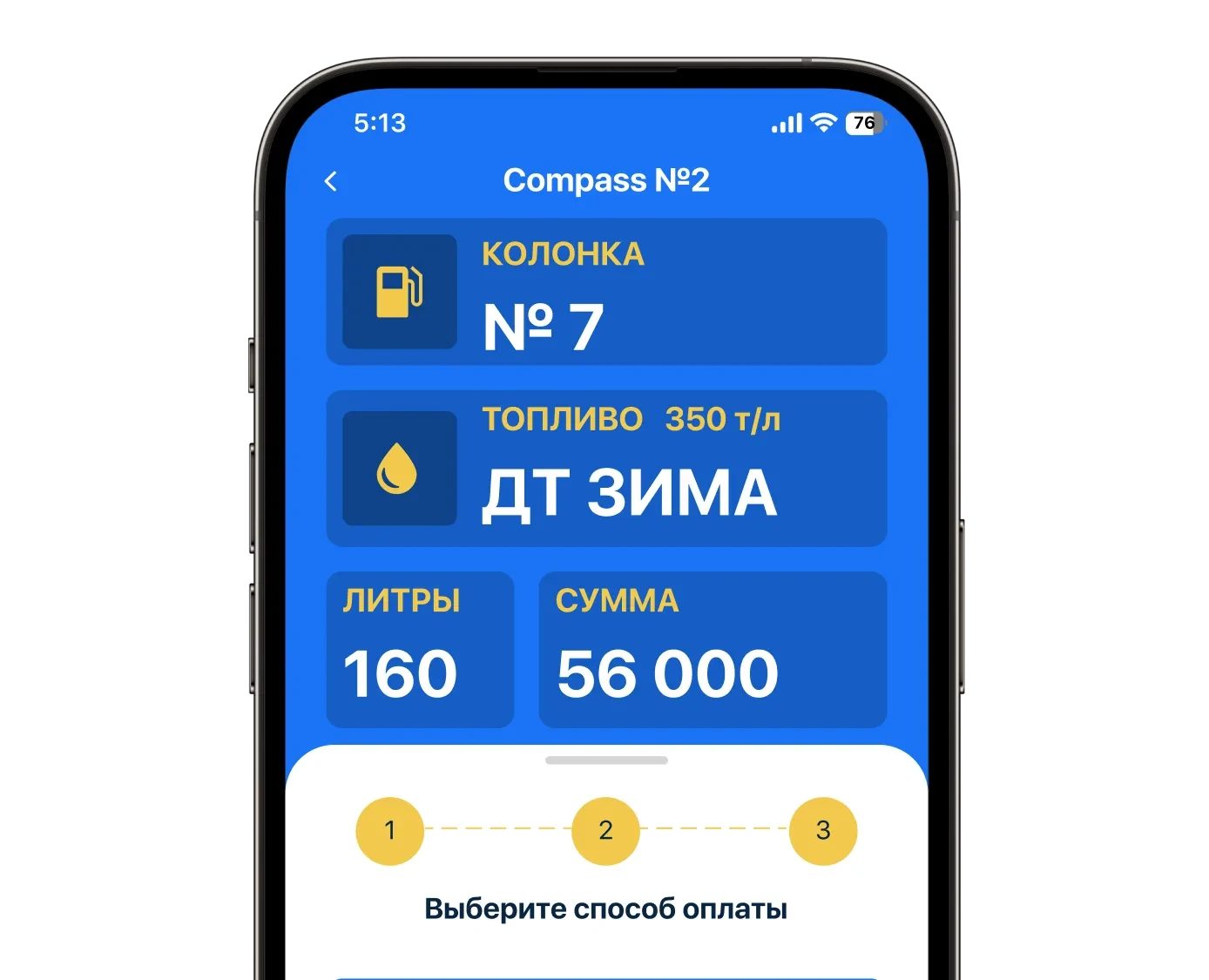
Money will be debited from the company account
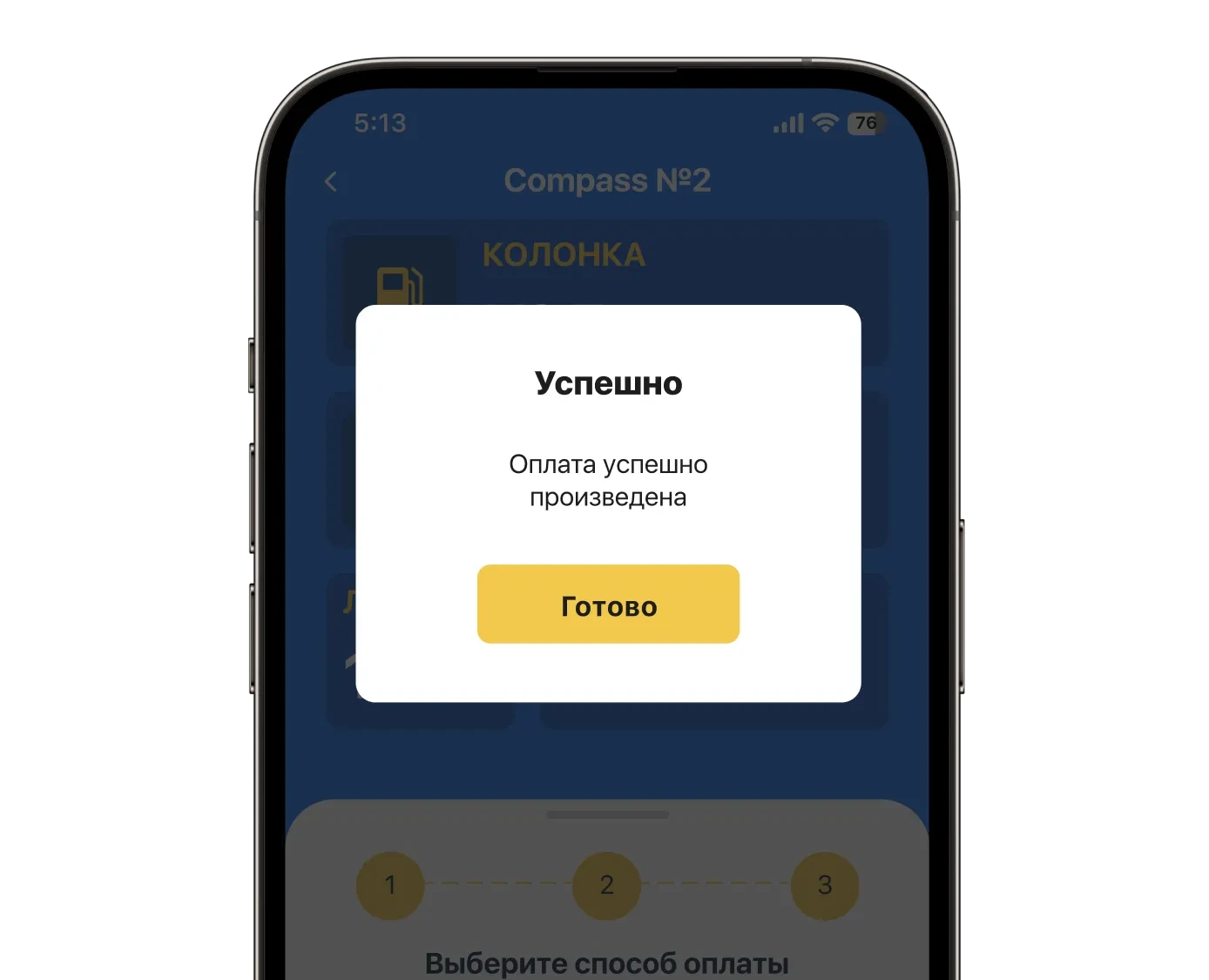
How the service works
The map showing all filling stations is available in the app. You choose yourself which filling stations will be accessible
If you set restrictions, only a certain type of fuel will be available
Instructions are available in the mobile app
Money will be debited from the company account



By clicking the “Confirm and Accept” button, you agree to the use of cookies in accordance with our Privacy Policy.