

















Post-Loan Servicing
Convenient Loan Management. Online Services
Change of Financing Terms at bcc.kz
| Operation Type: | 1.Within one month 2.For the entire term |
| Available: | From the 1st to the 20th of the month |
| Availability period: | 9:00 AM to 5:00 PM Astana time, excluding weekends and public holidays |
| Fee: | 5,000 KZT for loans issued before April 1, 2026, 10,000 KZT for loans issued on or after April 1, 2026, and for each subsequent application within a month, the fee increases by a further 5,000 KZT. Under the ‘7-20-25’ mortgage programme, the fee is 0 KZT. |
| Processing Time: | Up to 3 minutes |
FAQ
1) Can a customer use this service if he/she has overdue payments?
No, the overdue debt must be settled first.
2) 2.Will the monthly payment change after the repayment date is adjusted?
Yes, the new monthly payment amount will be provided in the preliminary schedule
3) Can the repayment date be changed for the "Nurly Zher" mortgage program?
No, this service is not available for this program because it is subsidized by the government.
4) .Can the repayment date be changed for the "7-20-25"/Baspana Hit mortgage program?
Yes, but only for the entire term
5) How many times can this operation be performed?
Up to 3 times per month for each operation type
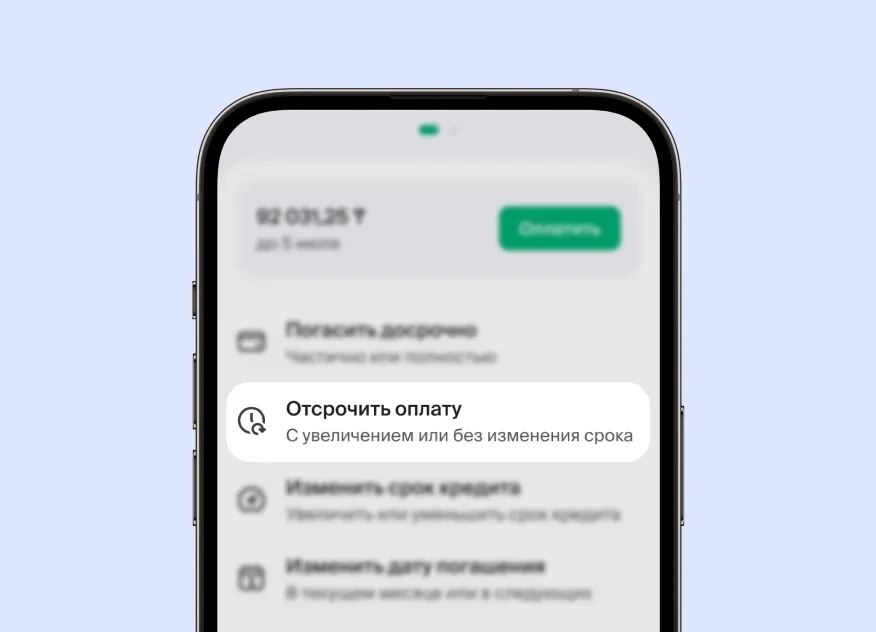
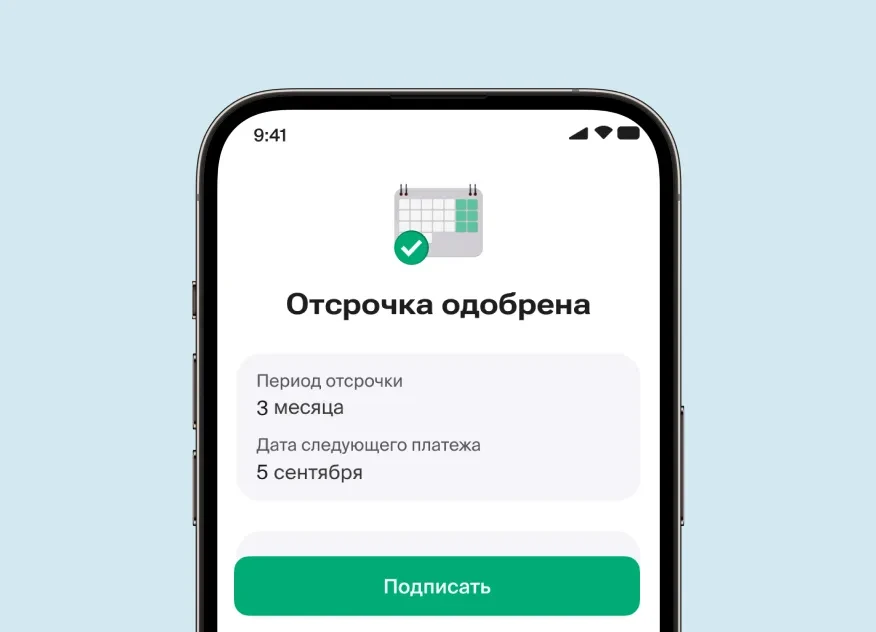
| Operation Type | With or without extending the loan term |
| Deferral Period | Depends on the selected reason (maximum duration: 1 to 6 months) |
| Availability Period | 9:00 AM to 5:00 PM Astana time, excluding weekends and public holidays |
| Fee | 0 KZT for loans issued before April 1, 2026, 15,000 KZT for loans issued on or after April 1, 2026. Under the ‘7-20-25’ mortgage programme, the fee is 0 KZT. In addition, a deposit of 1,000 KZT is required for each month of deferral. |
| Processing Time | Up to 3 minutes |
FAQ (Loan Deferral)
1. Is the service available if the loan is overdue?
Yes.
2. What supporting documents are required, and how should they be submitted?
Documents may be requested by the Bank if necessary.
3. How are interest charges allocated during the deferral period?
Accumulated and accrued interest during the deferral is evenly distributed across the remaining loan term.
4. Is there a limit to the number of deferrals?
The total number of deferred months must not exceed 6 months.
| Operation Type | From your account to the "Loan Repayment Account" |
|---|---|
| Fee | 0 KZT |
FAQ (Repayment of Monthly Payment)
1. What happens to the remaining amount if I pay more than the monthly payment?
The remaining amount will stay in the account and be applied to the next Monthly Payment.
2. If I pay the amount in advance, will it be deducted as an early repayment?
No, the funds will only be deducted on the Monthly Payment due date.
3. Until what time can I make the monthly payment?
Payments can be made until 6:00 PM on the due date specified in the schedule. If the due date falls on a weekend or public holiday, it will be moved to the next business day (see schedule for details).
4. What is the penalty interest for late payments?
A penalty interest of 0.5% or 0.2% per day on the overdue amount applies (see the Loan Agreement terms for details).
| Operation Type | Extend or shorten the loan term |
| Availability Period | 9:00 AM to 5:00 PM Astana time, excluding weekends and public holidays |
| Fee | 5,000 KZT for loans issued before April 1, 2026, 15,000 KZT for loans issued on or after April 1, 2026. Under the ‘7-20-25’ mortgage programme, the fee is 0 KZT. |
| Processing Time | Up to 3 minutes |
FAQ (Loan Term Modification)
1. How can updated documents be signed?
For unsecured loans: Through biometric authentication during the review of the Preliminary Schedule
(not available for secured loans when extending the term).
For secured loans: In a bank branch: BCC Branches and ATMs
2. If the customer has a grace period (deferral), can they use this service?
Yes, the service is available during a grace period.
3. Will the monthly payment amount change after modifying the loan term?
Yes, the updated monthly payment amount can be found in the Preliminary Schedule.
| Availability Period | 9:00 AM to 5:00 PM Astana time, excluding weekends and public holidays |
| Fee | 0 KZT |
FAQ (Partial Early Repayment)
1. In what cases is partial early repayment not possible?
It is not available if there are overdue debts or account freezes.
2. Will the monthly payment due date change after partial early repayment?
No, the monthly payment date remains unchanged.
3. Are there limits on the number of partial early repayment requests?
No, there are no restrictions.
4. How can I submit a partial early repayment request to reduce the loan term for secured loans?
Requests can be submitted via the bcc.kz mobile app.
| Availability Period | 9:00 AM to 5:00 PM Astana time, excluding weekends and public holidays |
| Fee | 0 KZT |
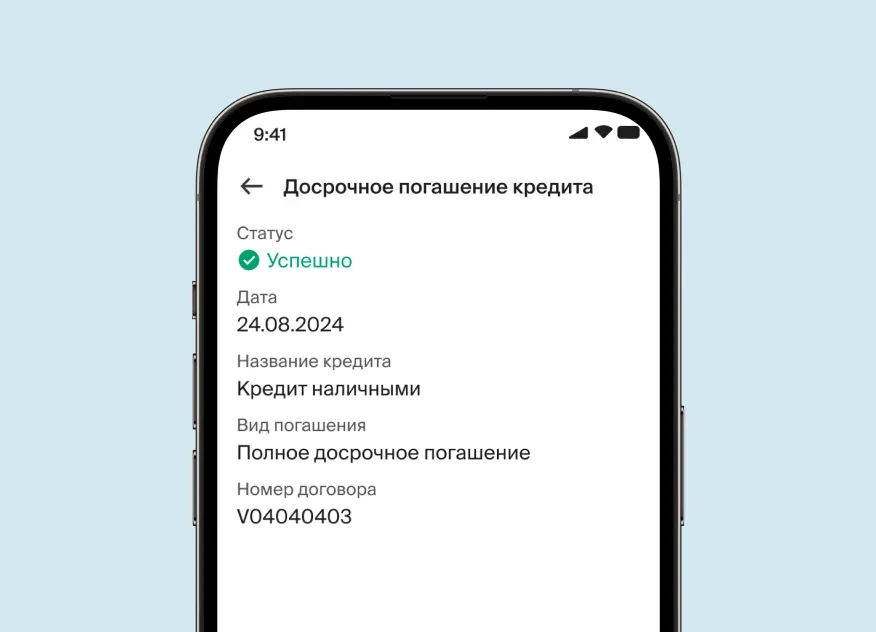
FAQ (Full Early Repayment)
1. In what cases is full early repayment not possible?
It is not allowed if there are overdue debts, account freezes, or on the monthly payment due date.
2. Can I make a partial early repayment (PER) and then a full early repayment (FER) on the same day?
Yes, FER can be processed after PER within the same operational day for a single loan.
Convenient credit management
When the loan is fully repaid, the lien on the vehicle is automatically released online
When the loan is fully repaid, the lien on the vehicle is automatically released online
Instructions
-within 1 month
-for the entire loan term
Available period: from the 1st to the 20th of the month |
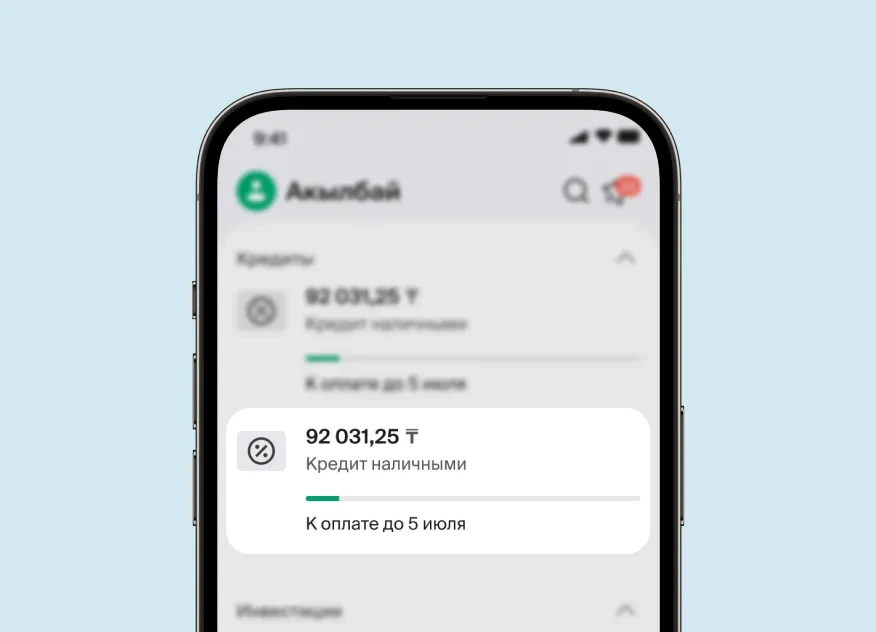

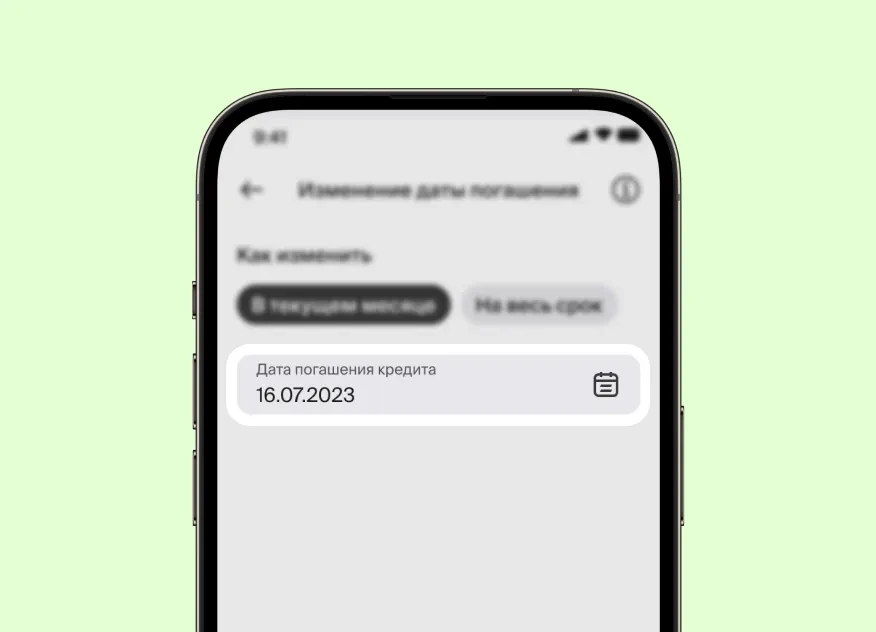
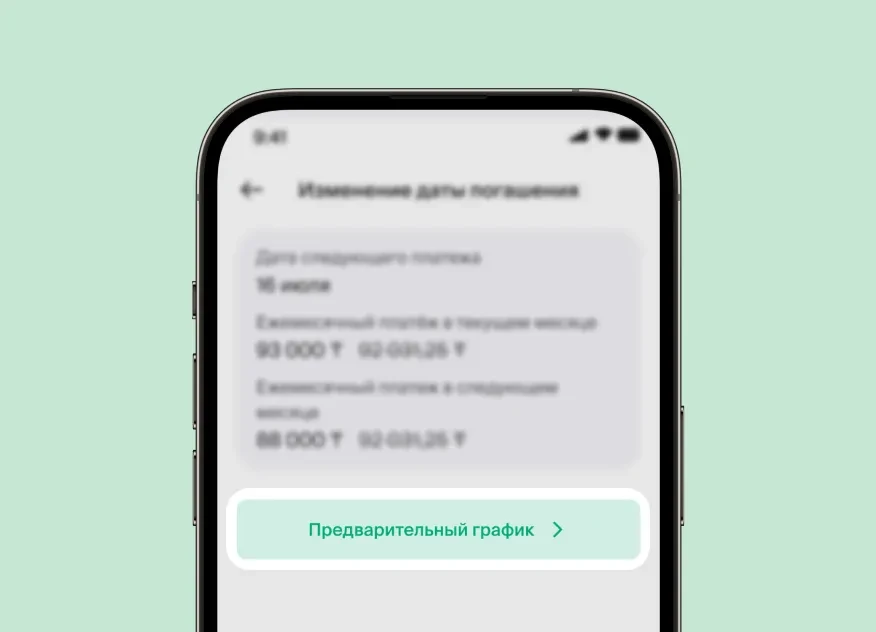
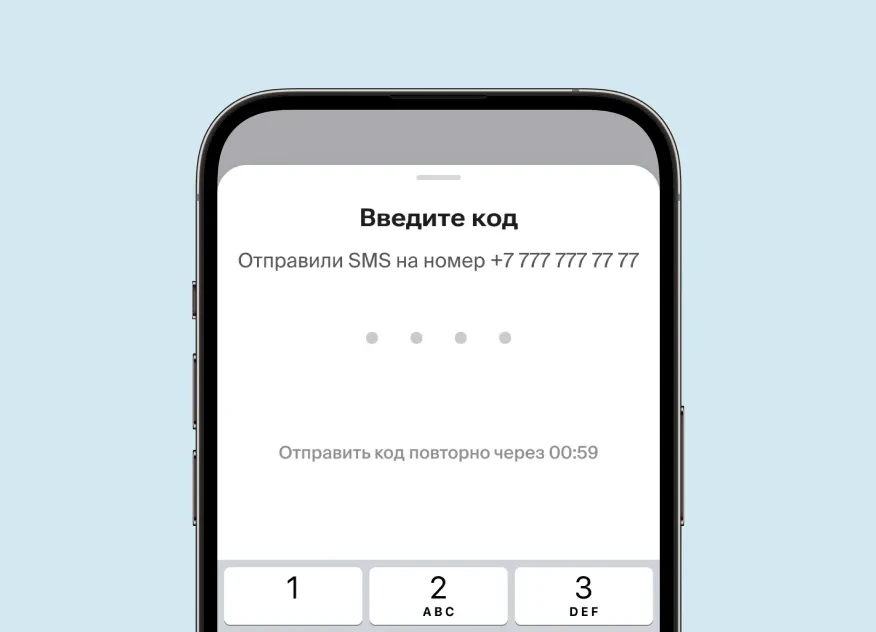
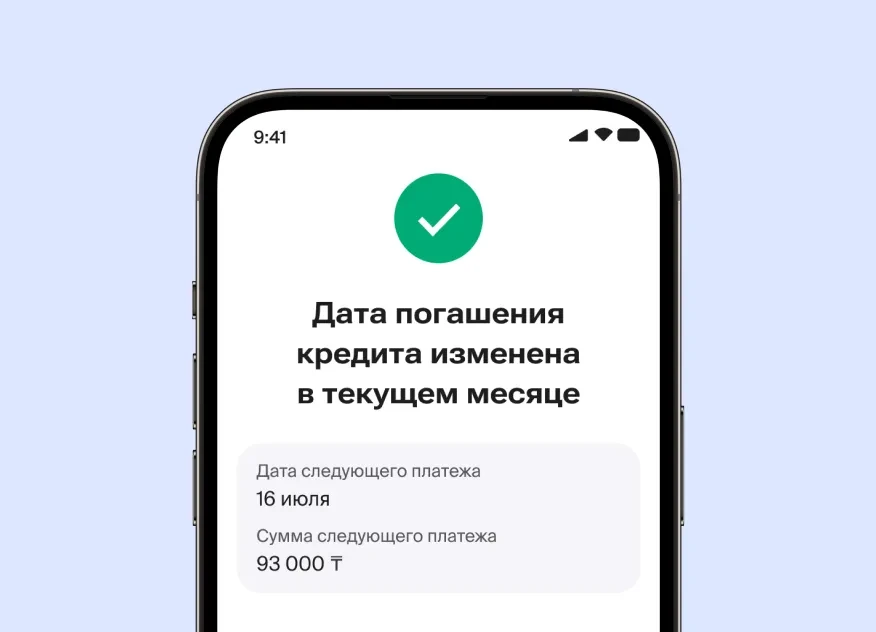
Change of Repayment Date
-within 1 month
-for the entire loan term
Available period: from the 1st to the 20th of the month |
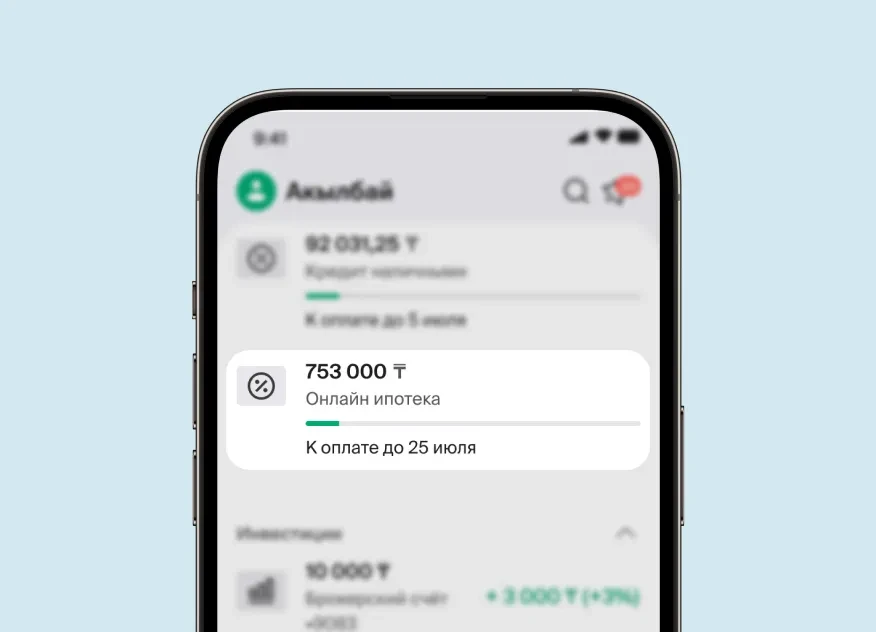
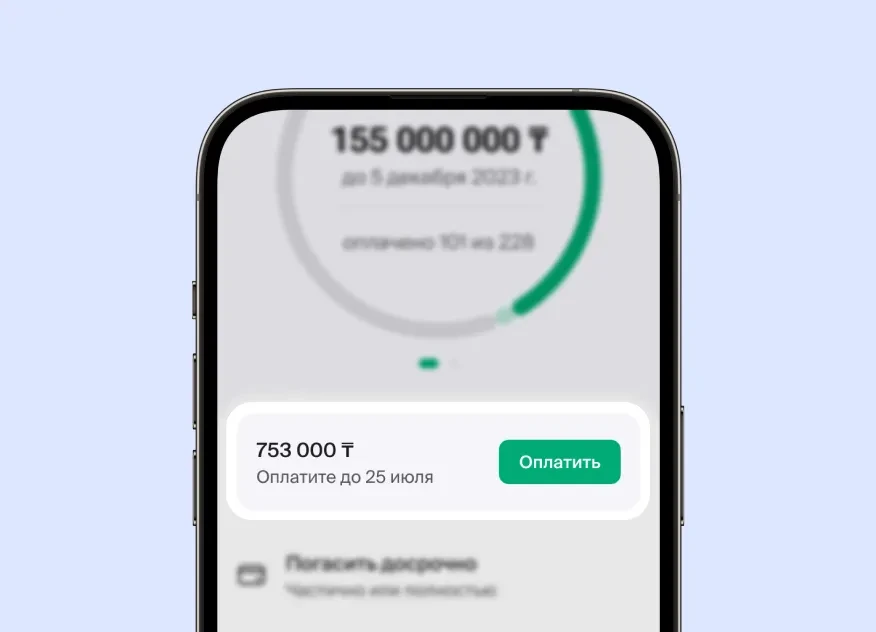
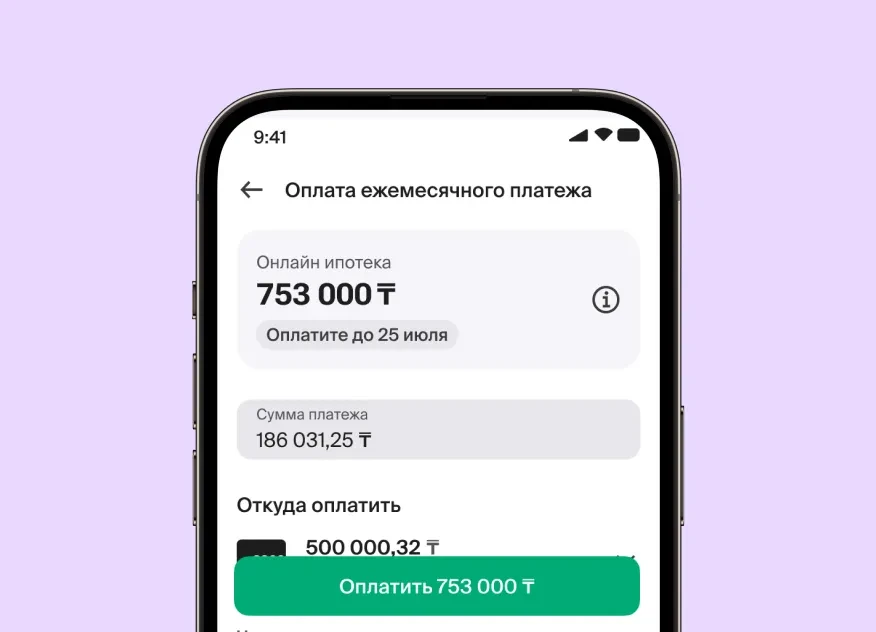
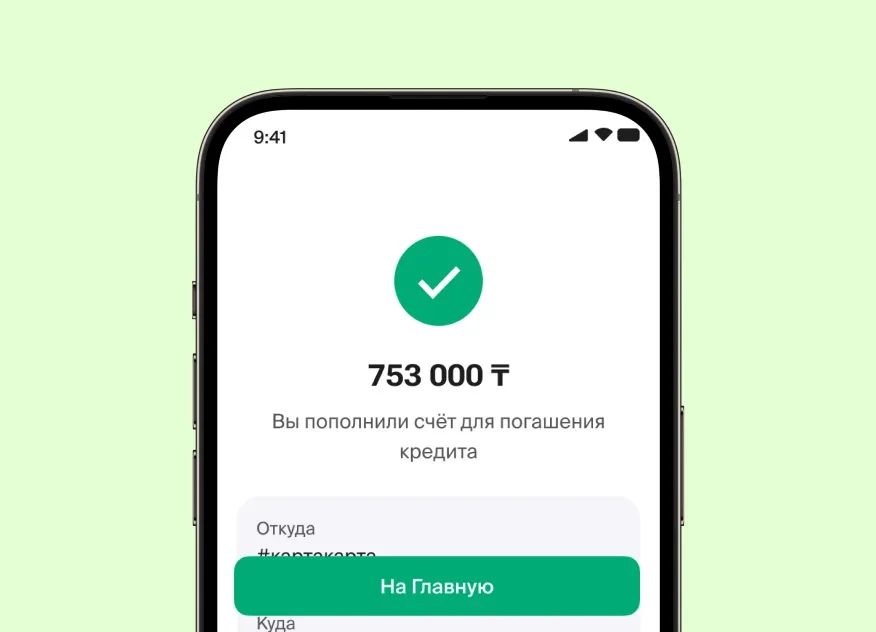
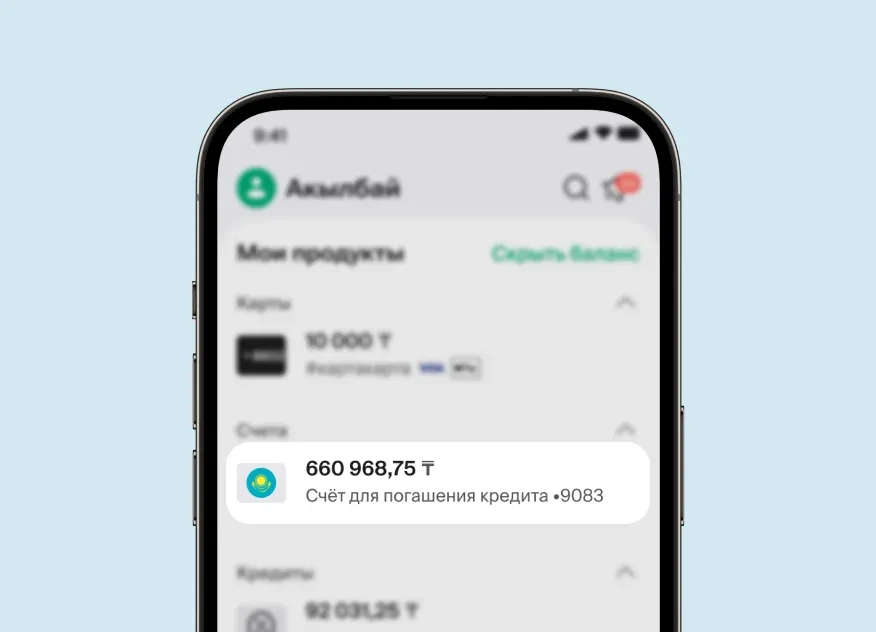
Repayment of Montlhy Payment
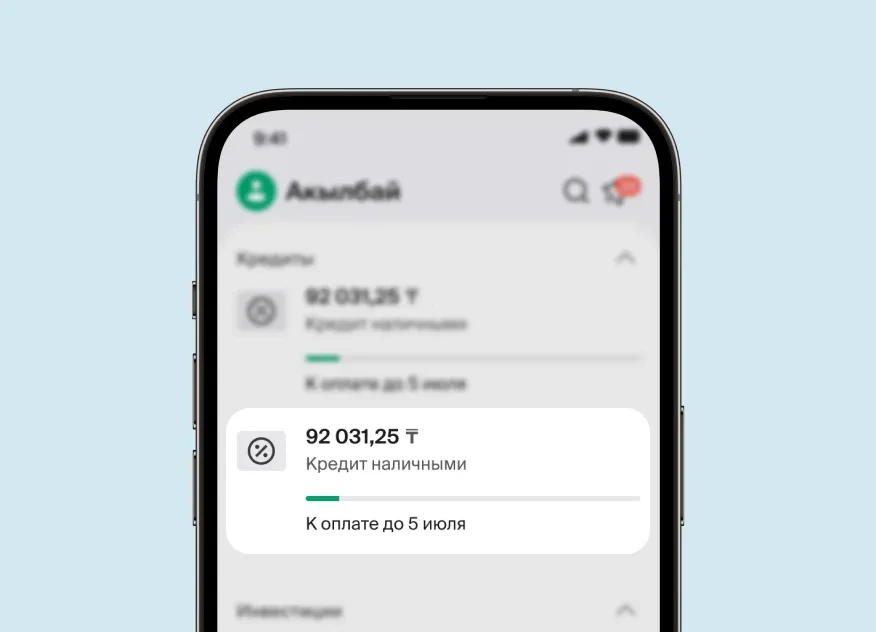
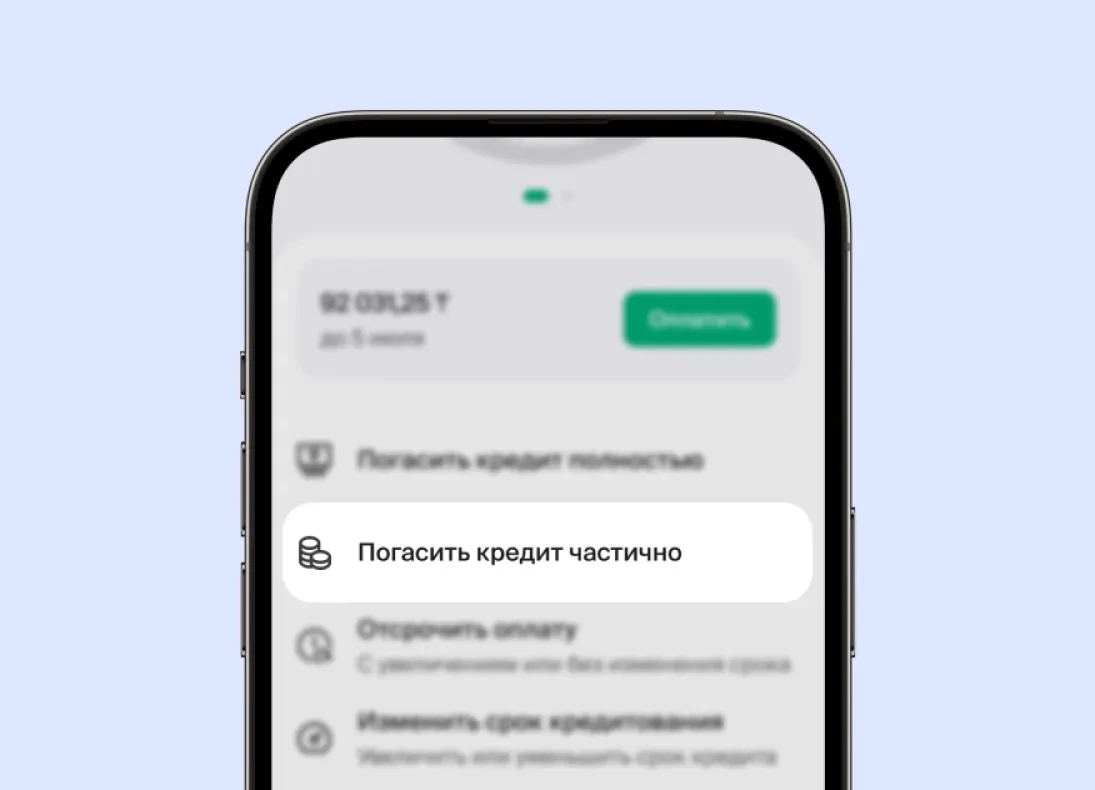
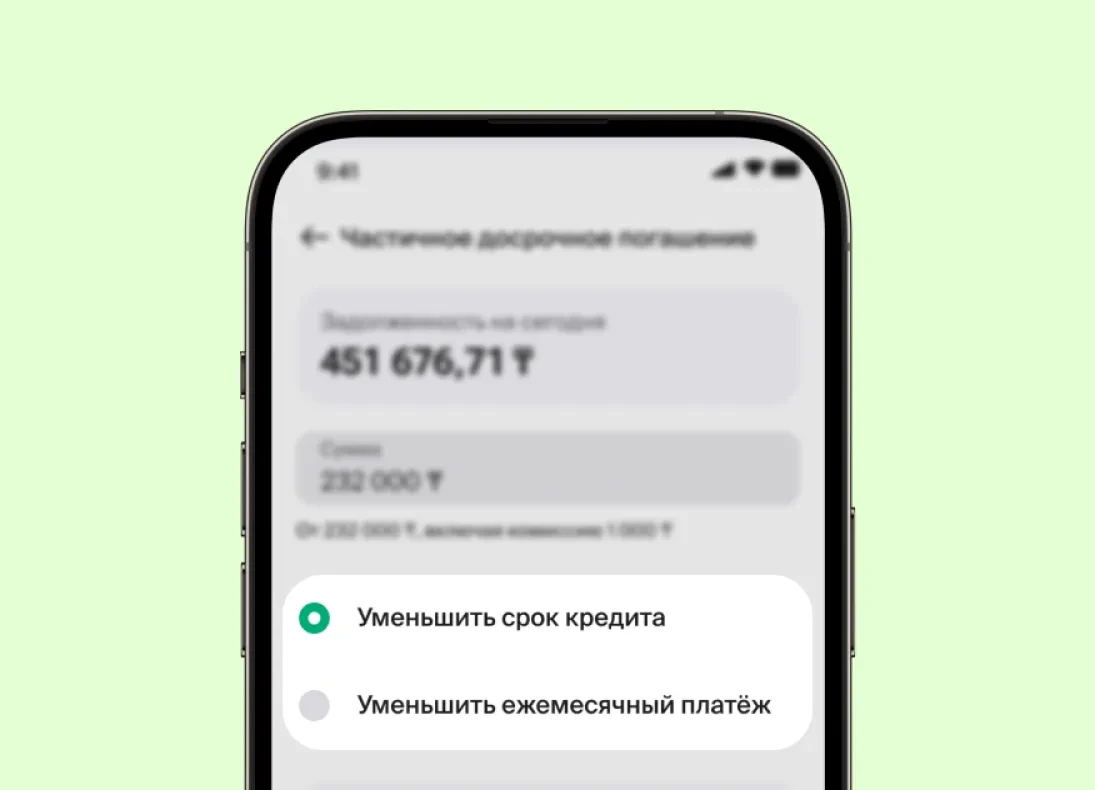
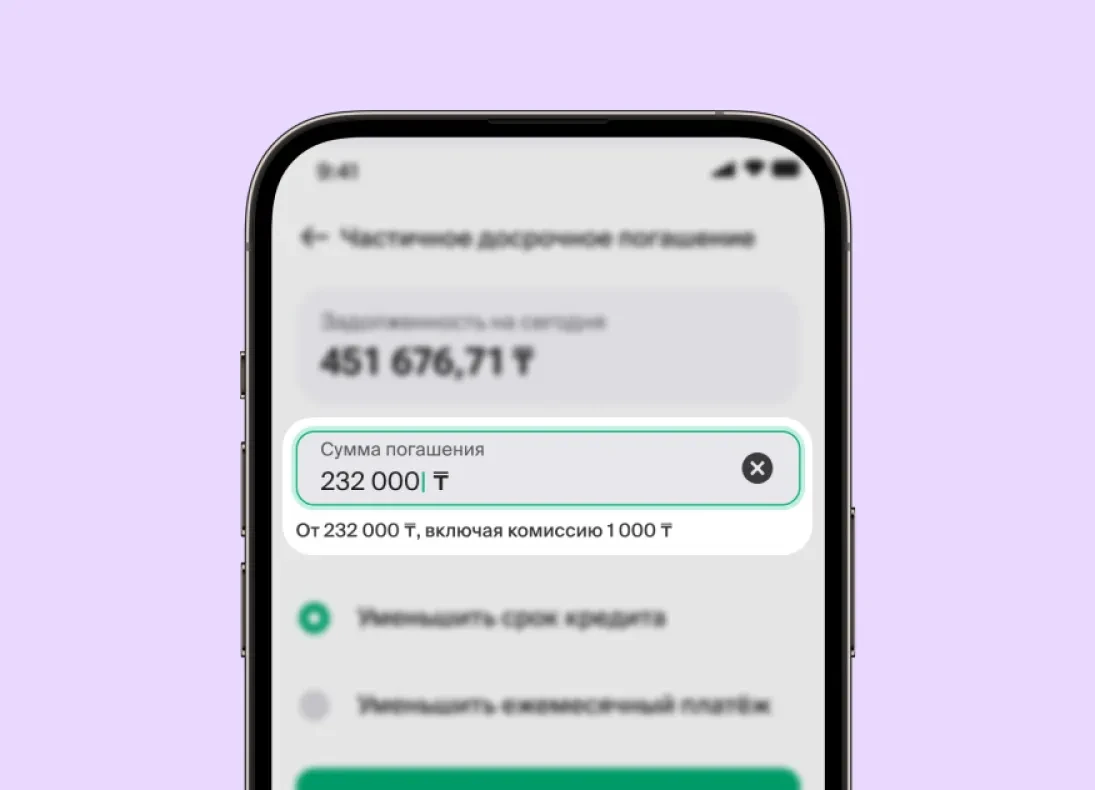
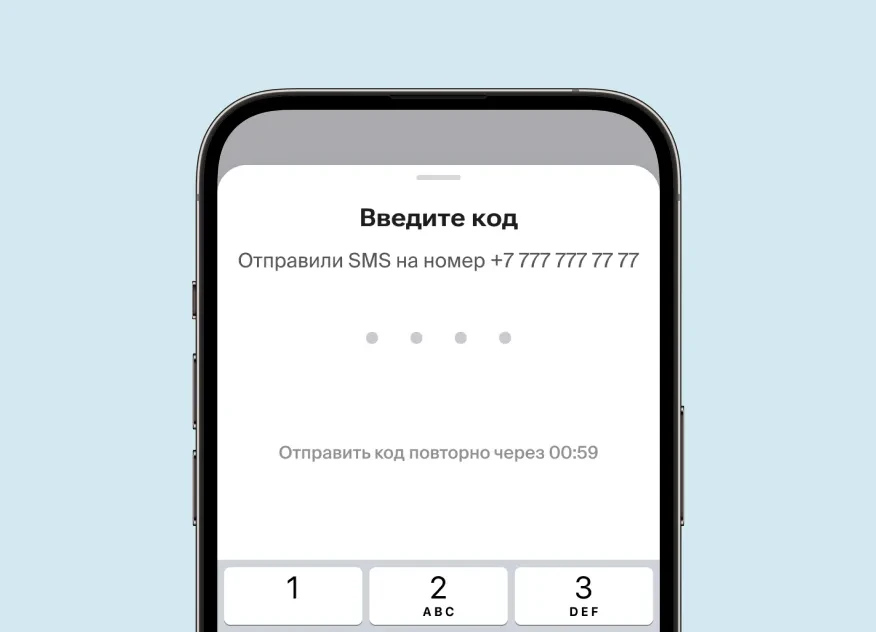
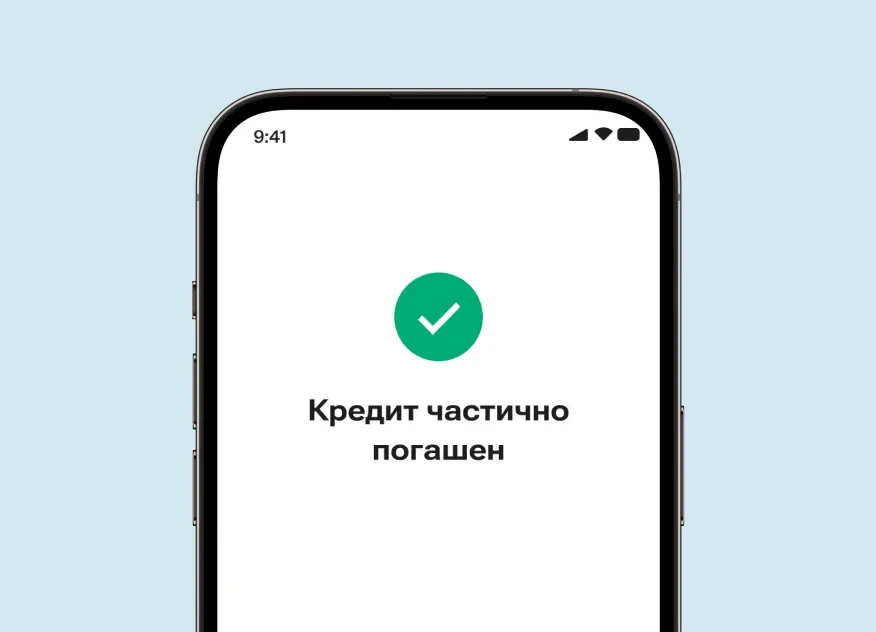
Partial Early Repayment
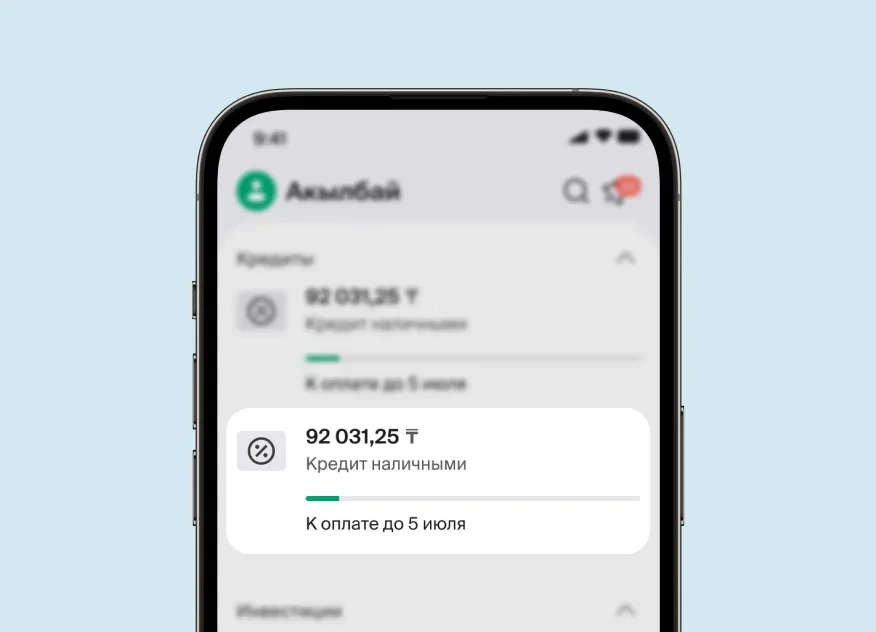
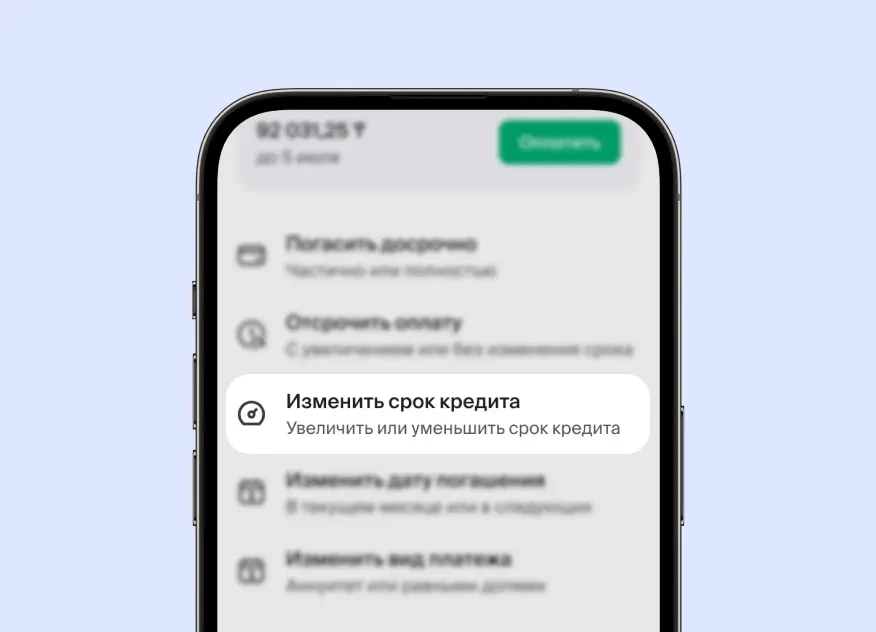
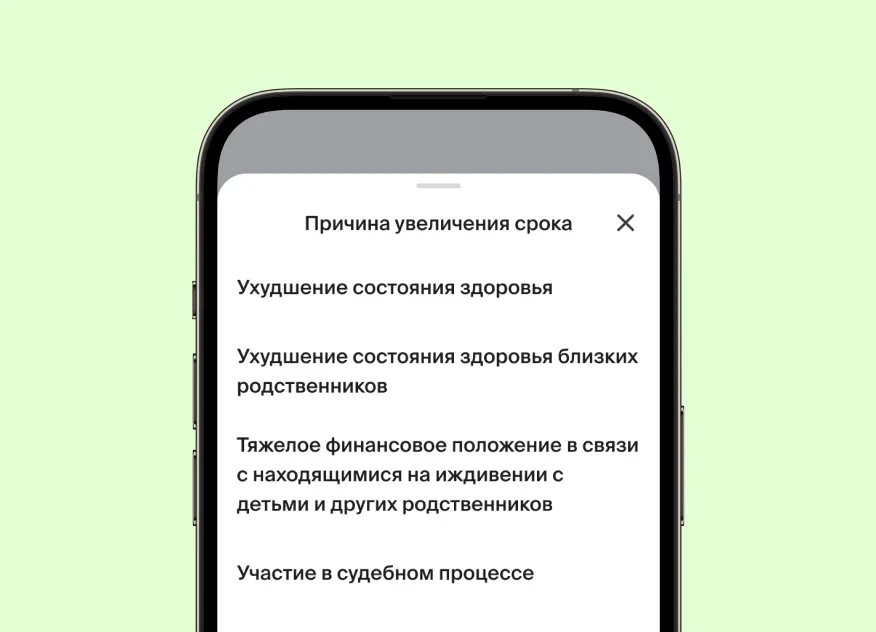
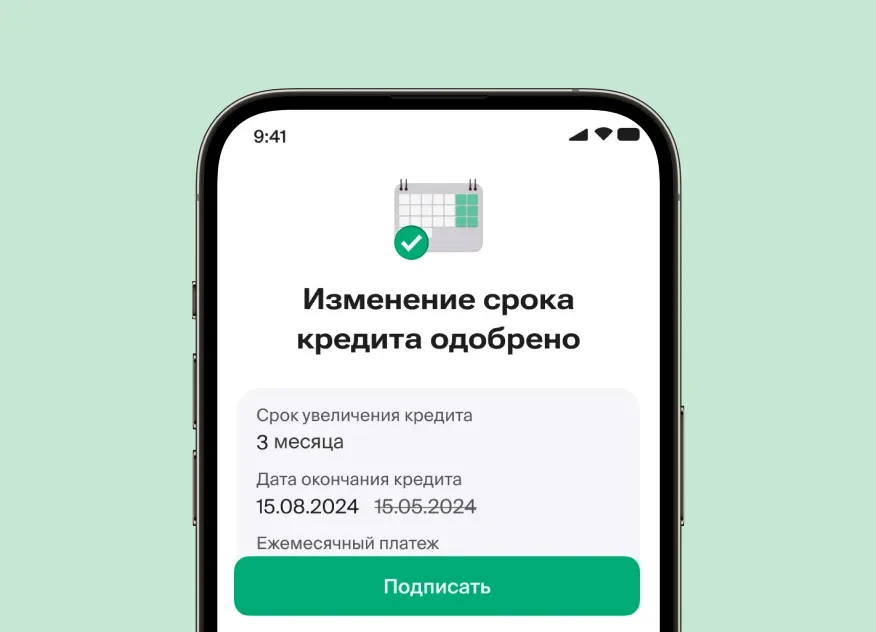

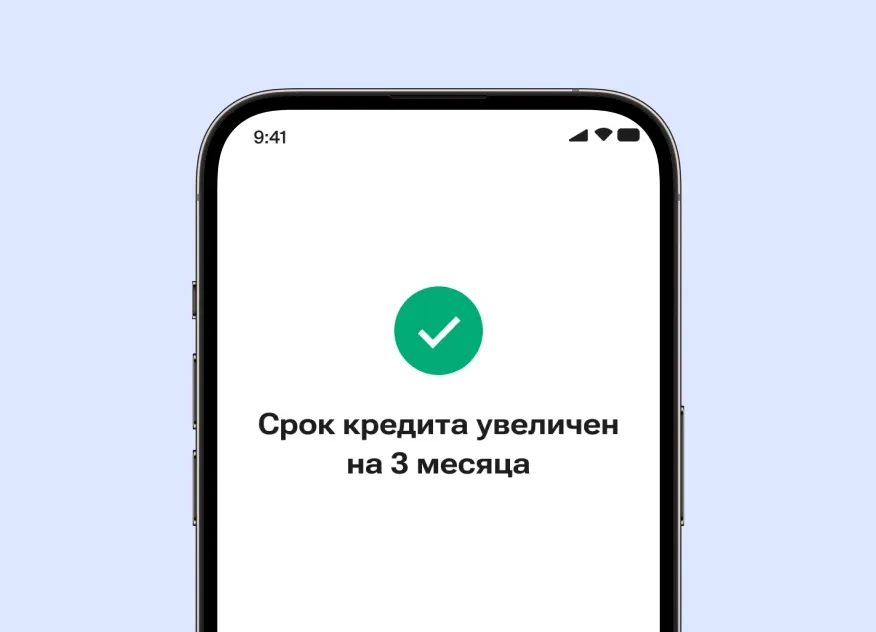
Loan Term Modification
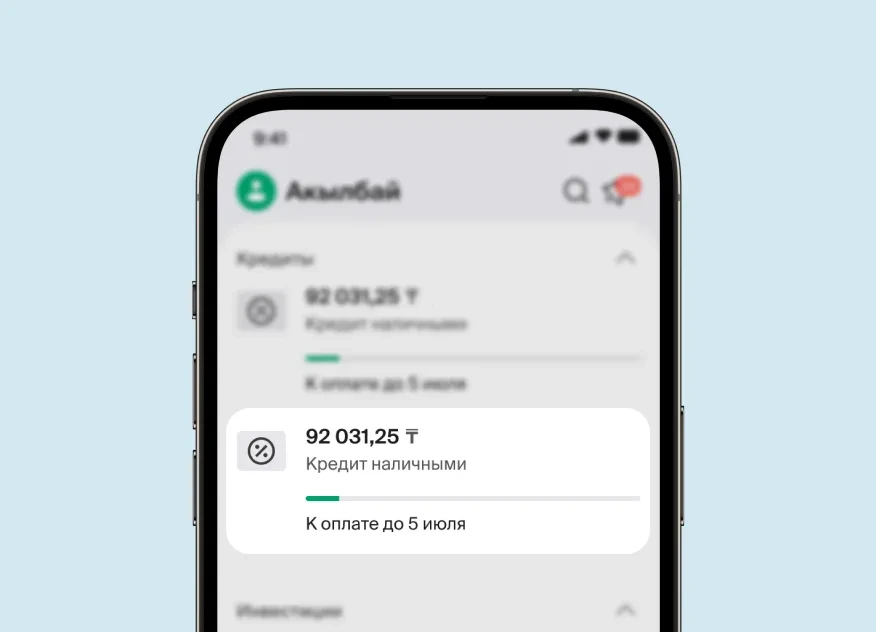
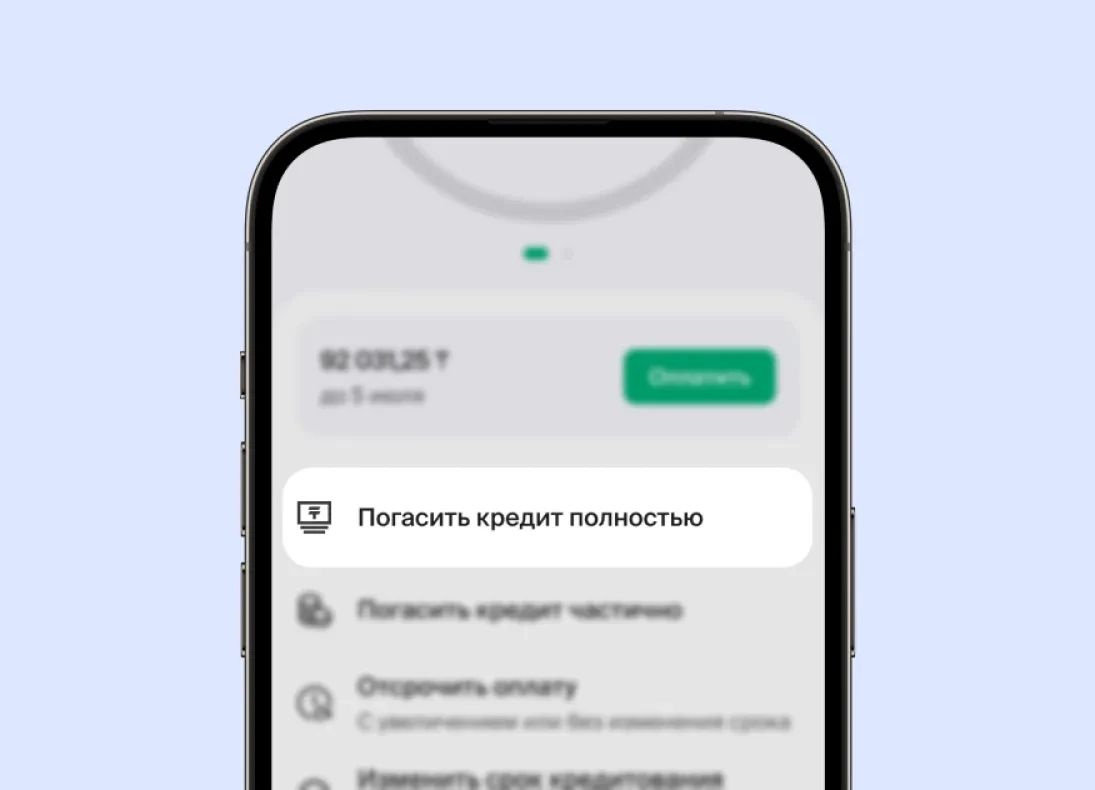
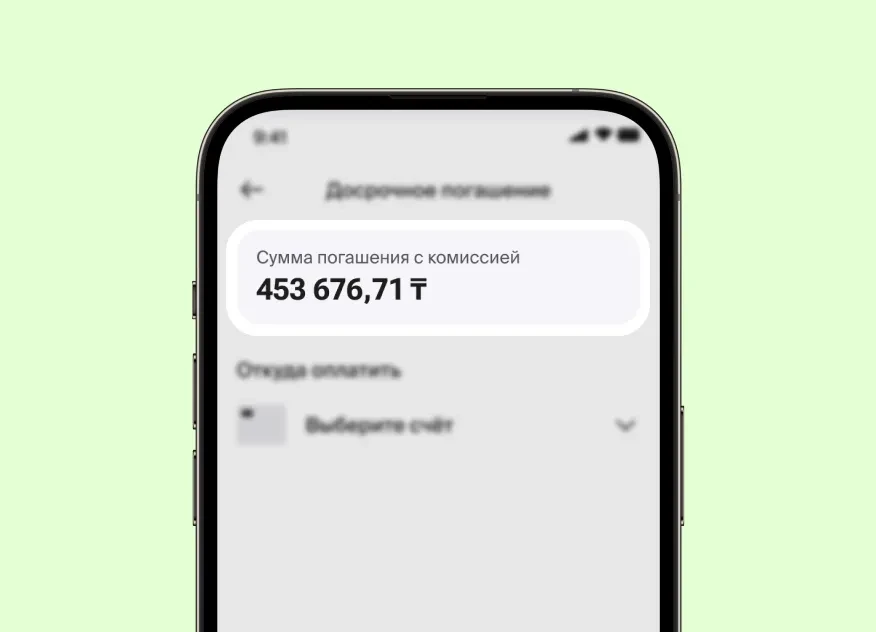
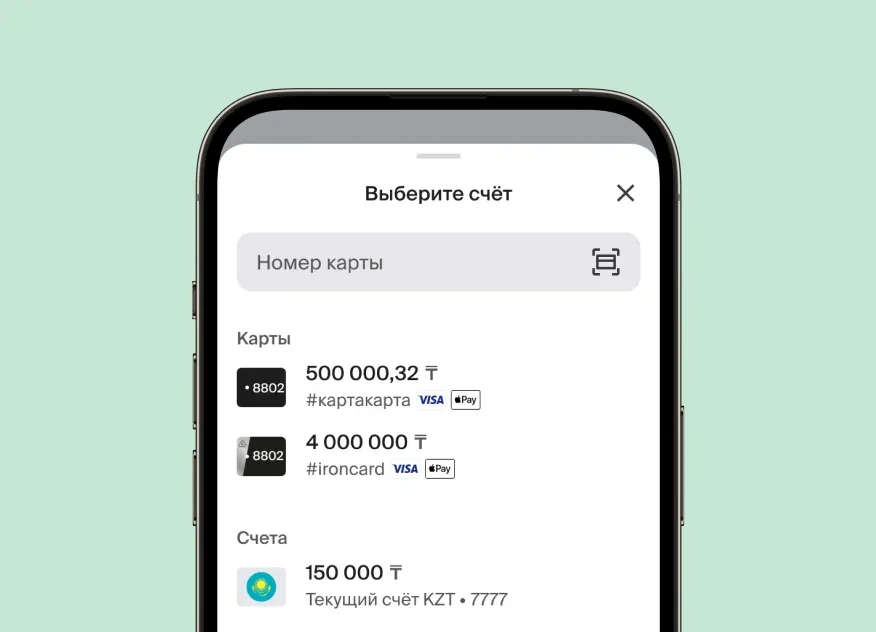
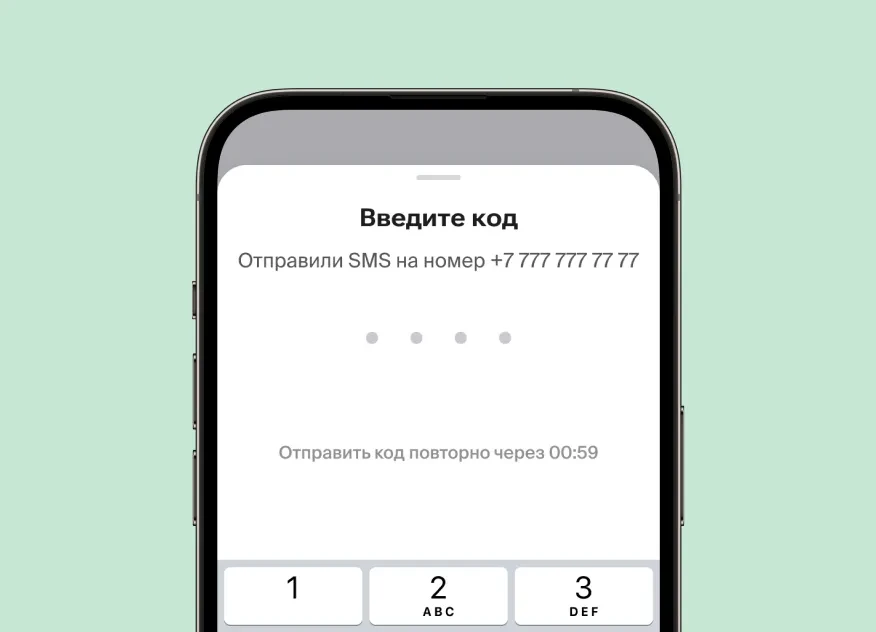


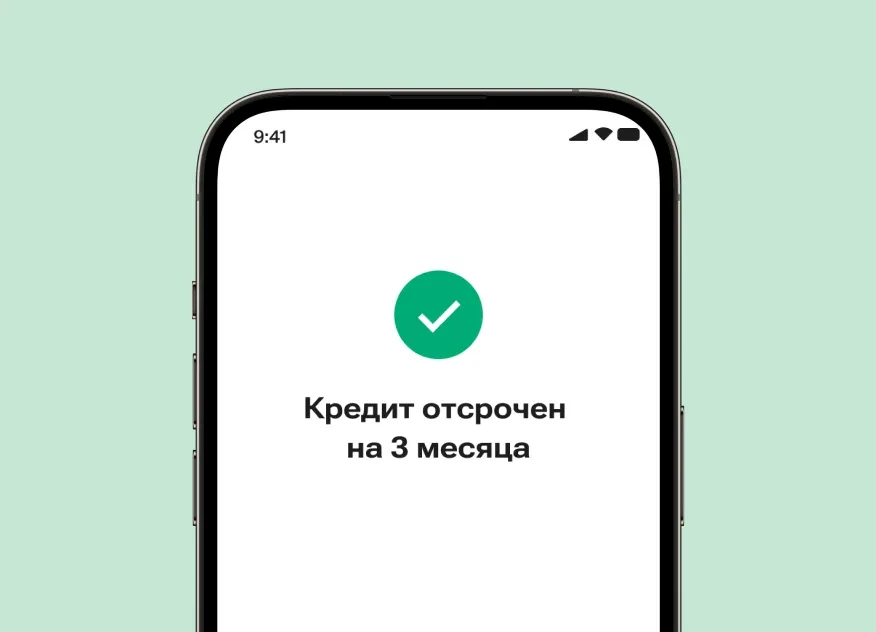
Loan Deferral
Credit → Credit Requests
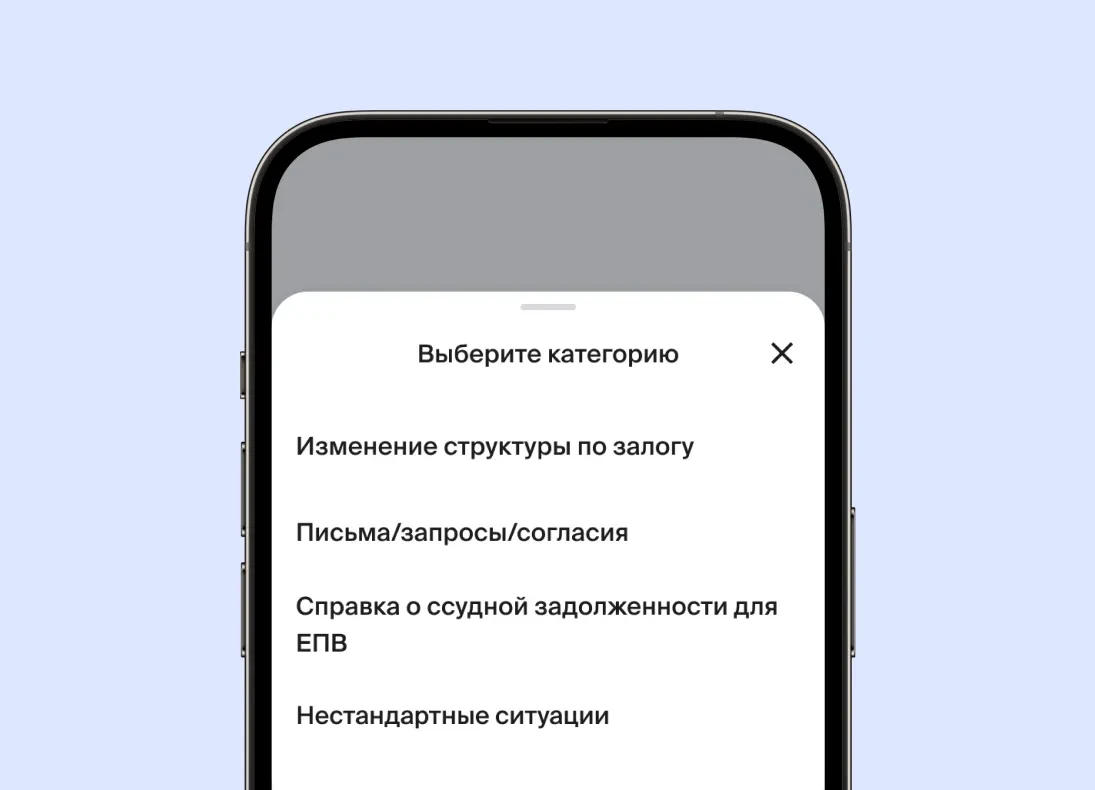
Types of requests:
- Collateral structure change
-Letters/requests/consents
-Loan Debt Certificate for Lump Pension Payments (LPP)
-Non-standard situations
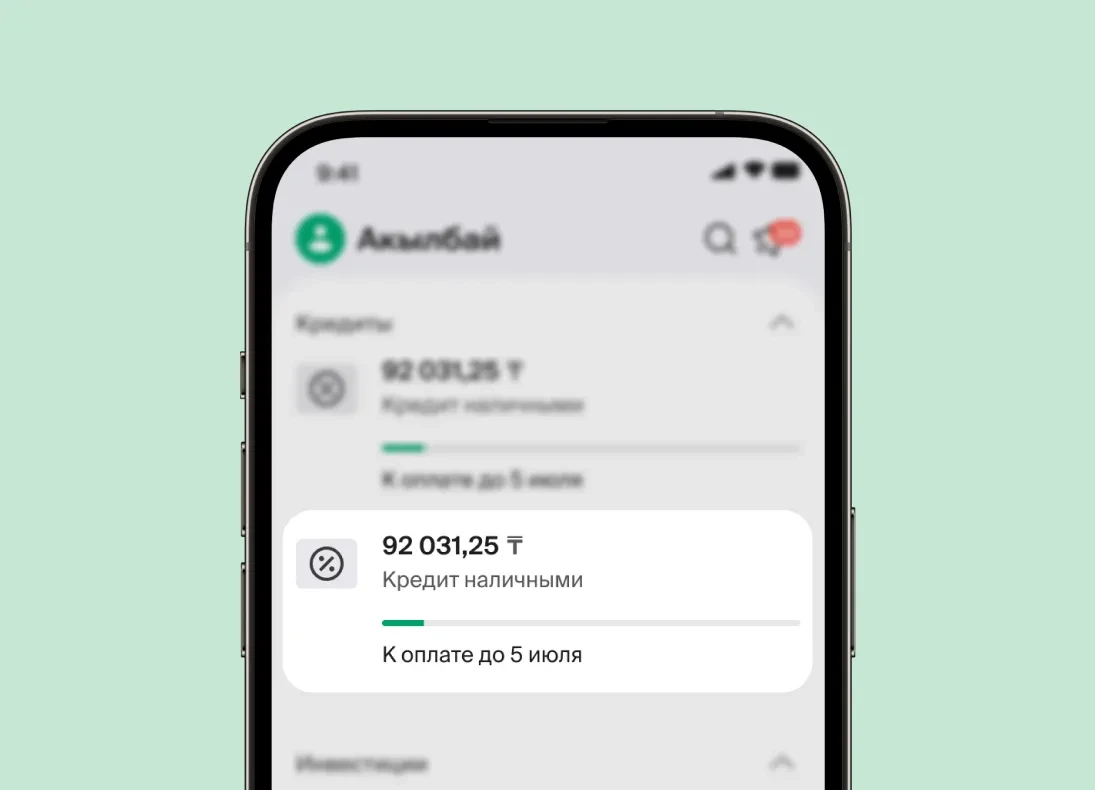
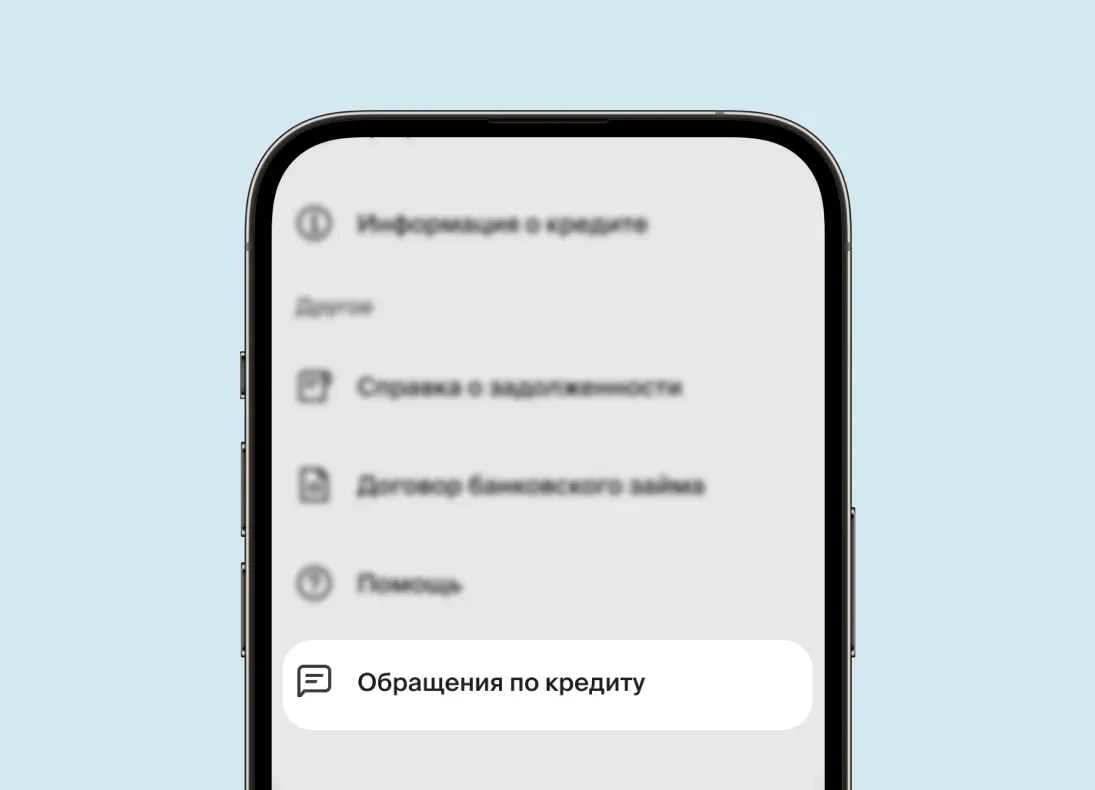
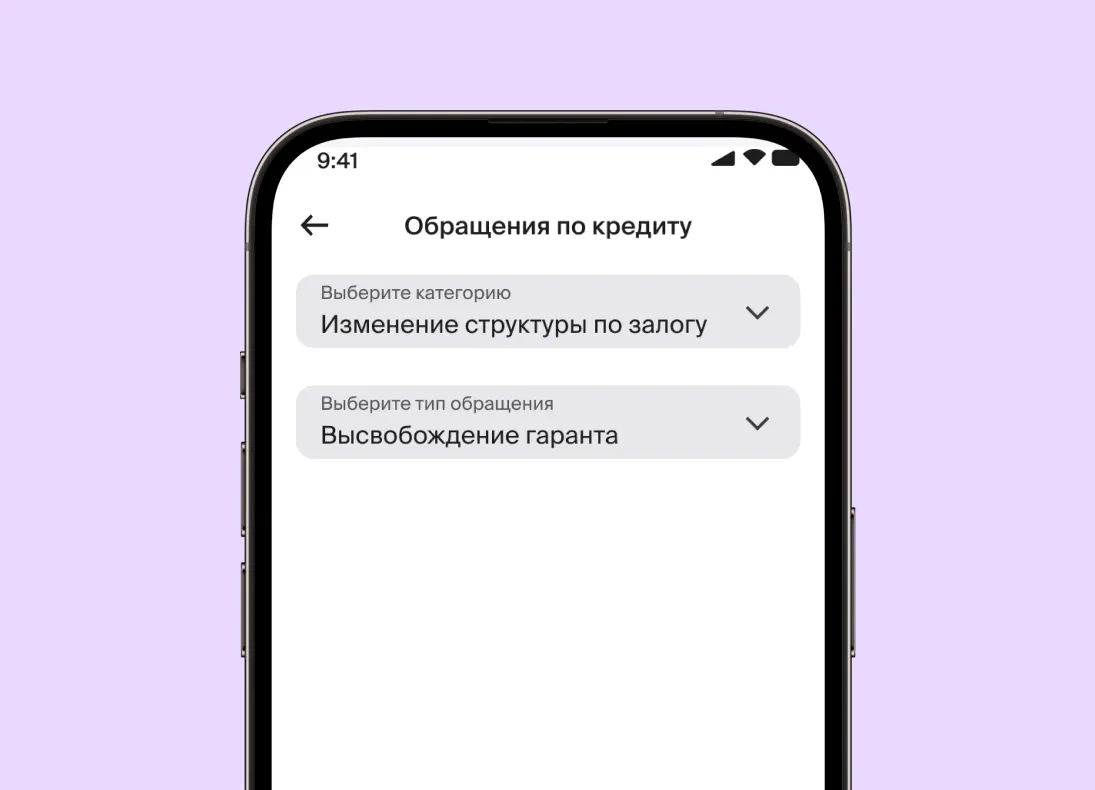
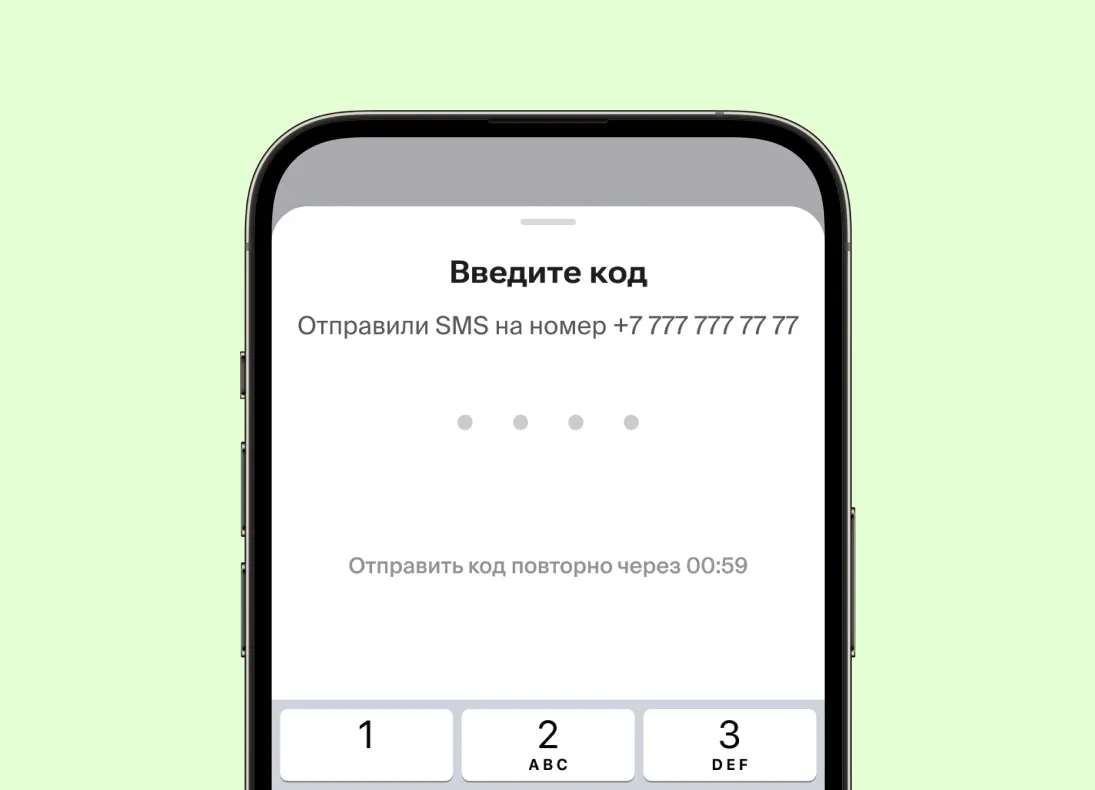
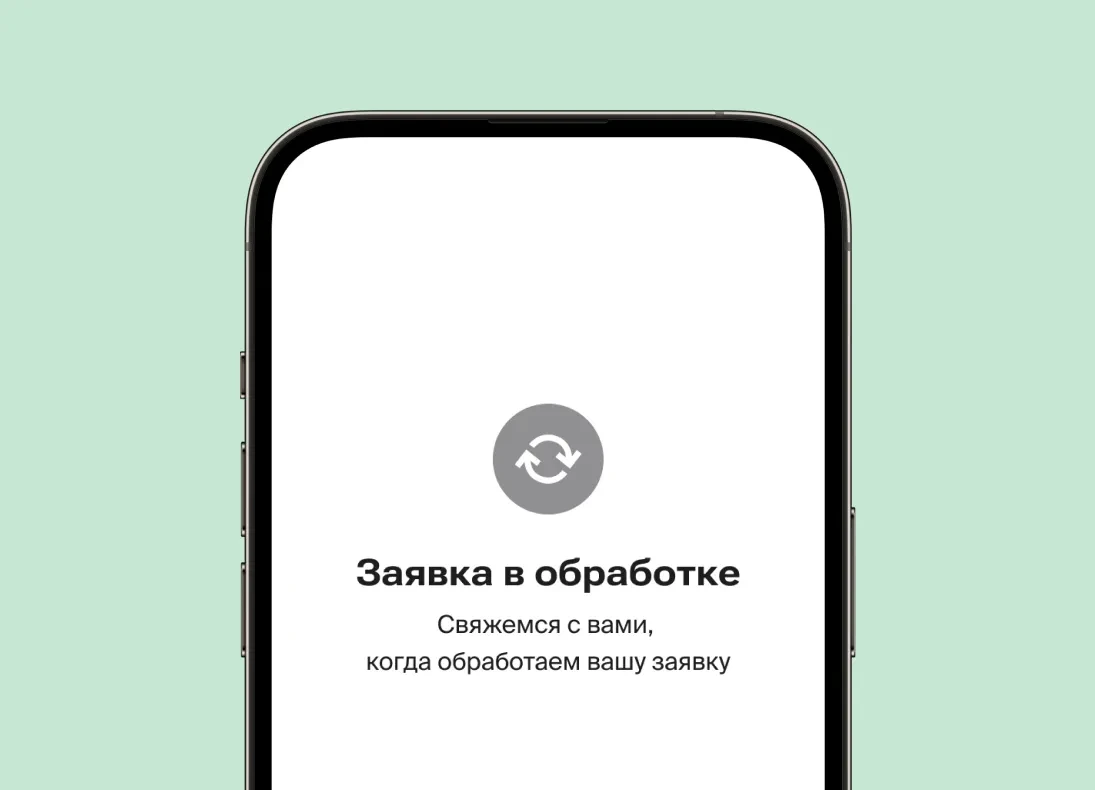
Loan-related requestsһ
Credit → Credit Requests
Types of requests:
- Collateral structure change
-Letters/requests/consents
-Loan Debt Certificate for Lump Pension Payments (LPP)
-Non-standard situations
Important Information
Requests can be submitted via the bcc.kz mobile app.
Debt repayment, Changing the repayment date, Changing the loan term, Loan deferral, Modifying collateral structure, Disputes/technical errors, Providing consent letters, Issuing certificates of outstanding loan debt or its absence, Non-standard situations (other issues)
Depending on the type of request, processing may take up to 15 calendar days.
Visit the nearest Bank branch or call the Call Center at 505.
Once the technical error is confirmed and the funds are credited to your loan account: the payment will be applied according to the schedule, any accrued penalties will be waived (if applicable) and your positive credit history will remain intact.
A fee will be charged in accordance with the Loan Agreement/ Bank’s tariffs. The final decision will be made by the Bank’s authorized body.
Yes, fees are applied according to the Bank’s tariffs [link]
Please call the Call Center at 505 for assistance
It can be generated in the BCC.KZ mobile app
In the event of the borrower’s death, a death certificate must be submitted to the Bank branch where the account is maintained. If participants in the loan agreement, relatives, or third parties are willing to assume responsibility for the deceased borrower’s obligations, a Bank representative will provide information on possible settlement options.
List of Documents for Modifying Collateral Structure
| Release of guarantor/co-borrower | Release of collateral | Replacement of collateral | Replacement of pledgors | Replacement of the guarantor/co-borrower | |
| Application form |  | | | | |
| Identification document (borrower’s/co-borrower’s/guarantor’s/pledgor’s) |  | | | | |
| Employment certificate | | | | | |
| Certificate of registered rights |  | | | | |
| Real Estate Valuation Report |  | | | | |
| SCPP/FCB of the proposed guarantor/co-borrower and pledgor |  | | |  | |
*the Bank has the right to request additional documents, if it’s necessary
Releasing a guarantor/coborrower; Releasing collateral; Replacing a guarantor/coborrower; Substituting collateral; Changing pledgers; Providing copies of documents; Processing inheritance
Accepting additional collateral/guarantees/co-borrowers; Concluding an additional agreement
Requests can be submitted via the bcc.kz mobile app.
Submit a request on the bank’s website via the provided link. Request type: Change of collateral structure. Request Subtype: Issuance of title documents
Once the loan is fully repaid, the collateral release process is initiated automatically the next business day, subject to successful processing of requests by the registration authority. You will receive a push notification. You can check the status in the "Public Services" section under "Property Certificates" or "Vehicle Ownership History" in the BCC.KZ app.
If the Bank provides consent for changes to movable/immovable property (e.g., modifications, changes in purpose, etc.), a guarantee obligation is issued. According to its terms, failure to fulfill or improper fulfillment of our obligations under the guarantee will result in a penalty of 0.2% of the loan amount for each day of delay. The guarantee can be extended for up to 90 calendar days if necessary.
Yes, renting out property pledged as collateral to the Bank requires prior approval, regardless of whether the tenant is a resident or non-resident.

Bank on the map
Nothing found
-
Accessibility for persons with disabilities
-
Пандус не требуется
-
Кнопка вызова помощи
-
Тактильная плитка
-
Желтые круги
-
Звуковой маяк
-
Мнемосхема
-
Заниженная касса
-
Адаптированный санузел
-
Банкомат с наклейками шрифта Брайля
-
Парковка
-
Пандус
Nothing found
Nothing found